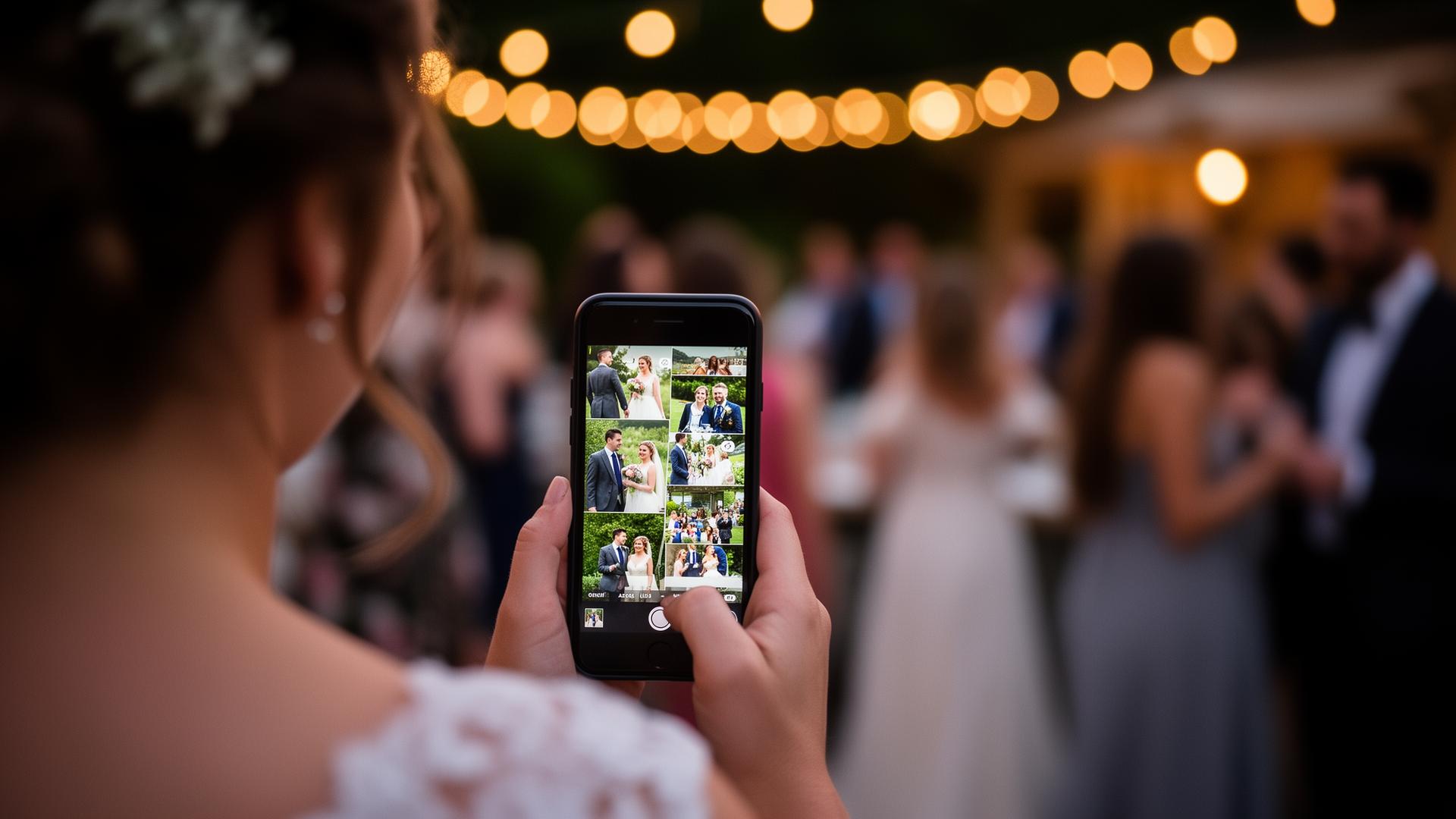

The advantages of WhatsApp
- Free
- Everyone knows the interface
- Real-time: you see immediately what others send
- Reactions and comments are possible
- No extra account or registration needed
Where does WhatsApp fall short?
- Photos are heavily compressed, with poor quality for prints
- Chaotic mix of photos, videos and practical messages
- Not everyone wants to share their phone number with 100+ guests
- Downloading all photos afterwards is tedious
- Videos are compressed even more than photos
- No slideshow, guestbook or structured export
Photo quality
WhatsApp compresses photos significantly by default. A 12-megapixel photo arrives as a blurry 2-megapixel version. To send original quality you need to send as a 'document', something most guests won't do.
Chaos in large groups
With 100 guests you quickly end up with 300 to 500 messages after the wedding. Messages about parking mix with photos. Filtering and downloading everything afterwards is a nightmare.
Privacy and phone numbers
Not everyone wants to share their phone number with distant family or colleagues. For many guests, a large WhatsApp group feels like a privacy intrusion.
How Partylio works differently
- Photos in original quality, with no compression
- No phone numbers needed: guests scan a QR code
- All photos structured in one feed, one ZIP download
- Text messages bundled as a PDF guestbook
- Private per event: only you control who sees and downloads
- Works via browser, with no app installation
Side-by-side comparison
| WhatsApp group | Partylio | |
|---|---|---|
| Cost | Free | Free tier available |
| Photo quality | Heavily compressed | Full resolution |
| Guest friction | Low: everyone has WhatsApp | Low: scan QR, upload in browser |
| Privacy | Phone numbers shared with group | No phone numbers required |
| Structure | Mixed chat timeline | Organised feed + ZIP export |
| Videos & messages | Compressed video, chat messages | Full-quality video + PDF guestbook |
| Live slideshow | Not available | Built-in live slideshow |
| Setup | Create group, add everyone | Create event, print QR, done |
When WhatsApp still makes sense
WhatsApp works well for a small, close-knit group of guests (under 30 people), when you don't care about photo quality, and you don't mind group chat chaos. For an intimate get-together or family barbecue, WhatsApp is perfectly fine.
Our recommendation
For a wedding or larger event, use Partylio as your primary photo collection tool. The two don't exclude each other. You can use WhatsApp alongside Partylio. But if you have to choose, choose quality and structure.