
Why use a QR code at your wedding?
A QR code at your wedding is the fastest way to collect photos and videos from all your guests without the hassle of WhatsApp groups, hashtags, or shared folders. Guests scan with their camera app, open an upload page in the browser, and share their media in a few taps. No app installation, no account.
Your own QR code in 5 steps
- 1
Create your event
Choose a name, date, and optionally a theme that fits your wedding. Takes less than a minute.
- 2
Download your unique QR code
Once your event is created, you get a unique QR code with a link to the upload page. Downloadable as PNG, PDF, or ready-made poster.
- 3
Print on the right materials
Print on sturdy cards (250 gsm), acrylic signs, or a large welcome panel. Size at least 3 cm × 3 cm for reliable scanning on tables.
- 4
Distribute strategically
Place multiple QR codes: on every table, at the entrance, by the bar, on the menu, and at photo moments like sparklers or the dance floor.
- 5
Follow along during the party
In your dashboard, you see what's coming in live. Optionally project a slideshow on a big screen to boost the atmosphere.
Where do you place the QR code?
The more visible and at more moments, the more photos you will receive. Six proven spots:
On every table
A small standing card between the floral arrangement and the menu. Guests scan between courses.
At the entrance
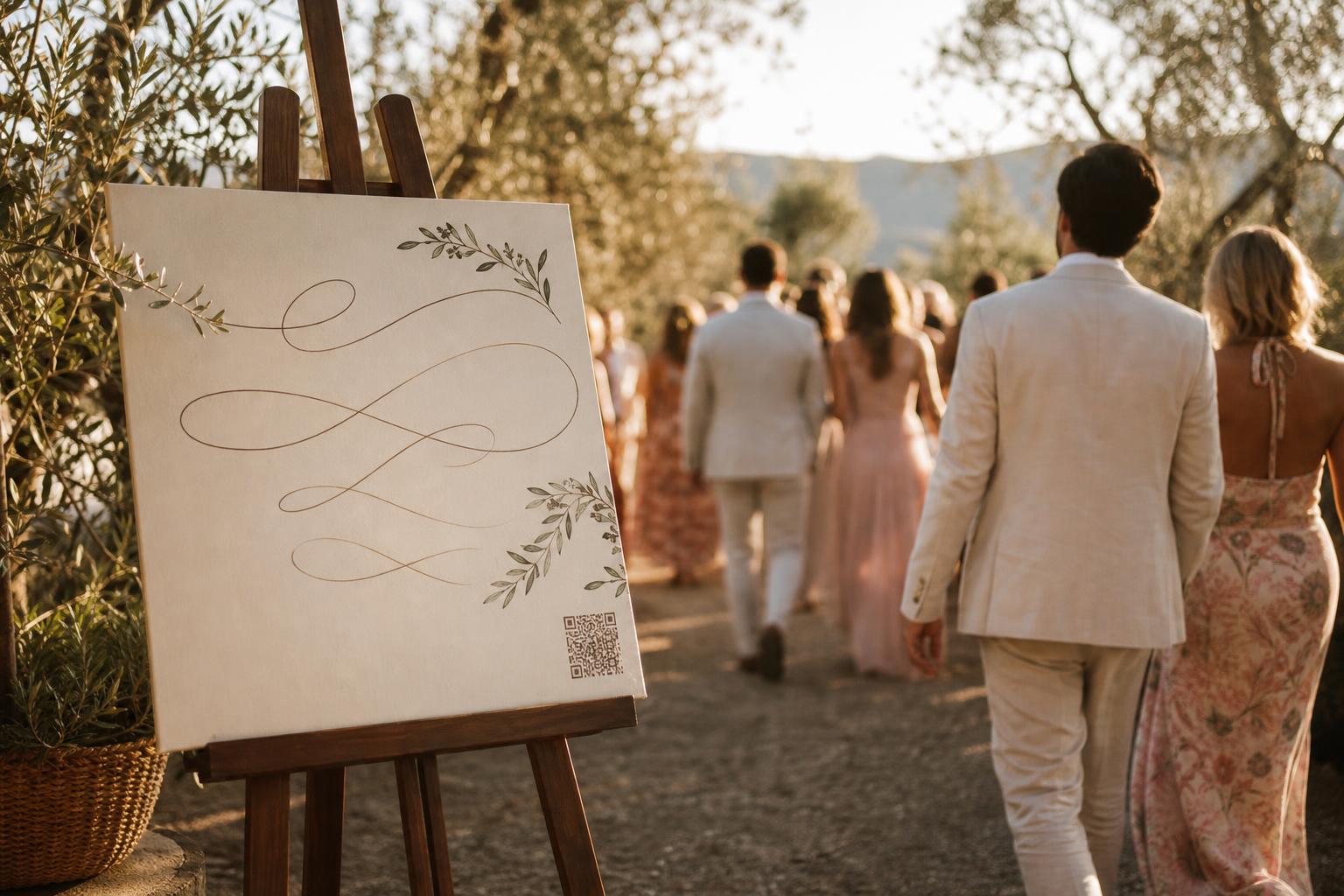
A large welcome sign with a QR code so every guest opens the link upon arrival and can share photos of the ceremony.
On the menu or ceremony program
A subtle QR code on the last page. Guests are already holding it during dinner anyway.
At the photo corner
A sign near a photo booth-style backdrop or a selfie corner. Guests scan after their shot to upload photos instantly.
On the dance floor
A large sign by the DJ booth for photos of the first dance and reception highlights.
By sparklers or grand exit
At the sparkler moment or car exit, where guests capture the most emotional shots.
Free poster templates in your account
When you create an event in Partylio, you automatically get downloadable posters and table cards with your unique QR code in various styles to match your theme.