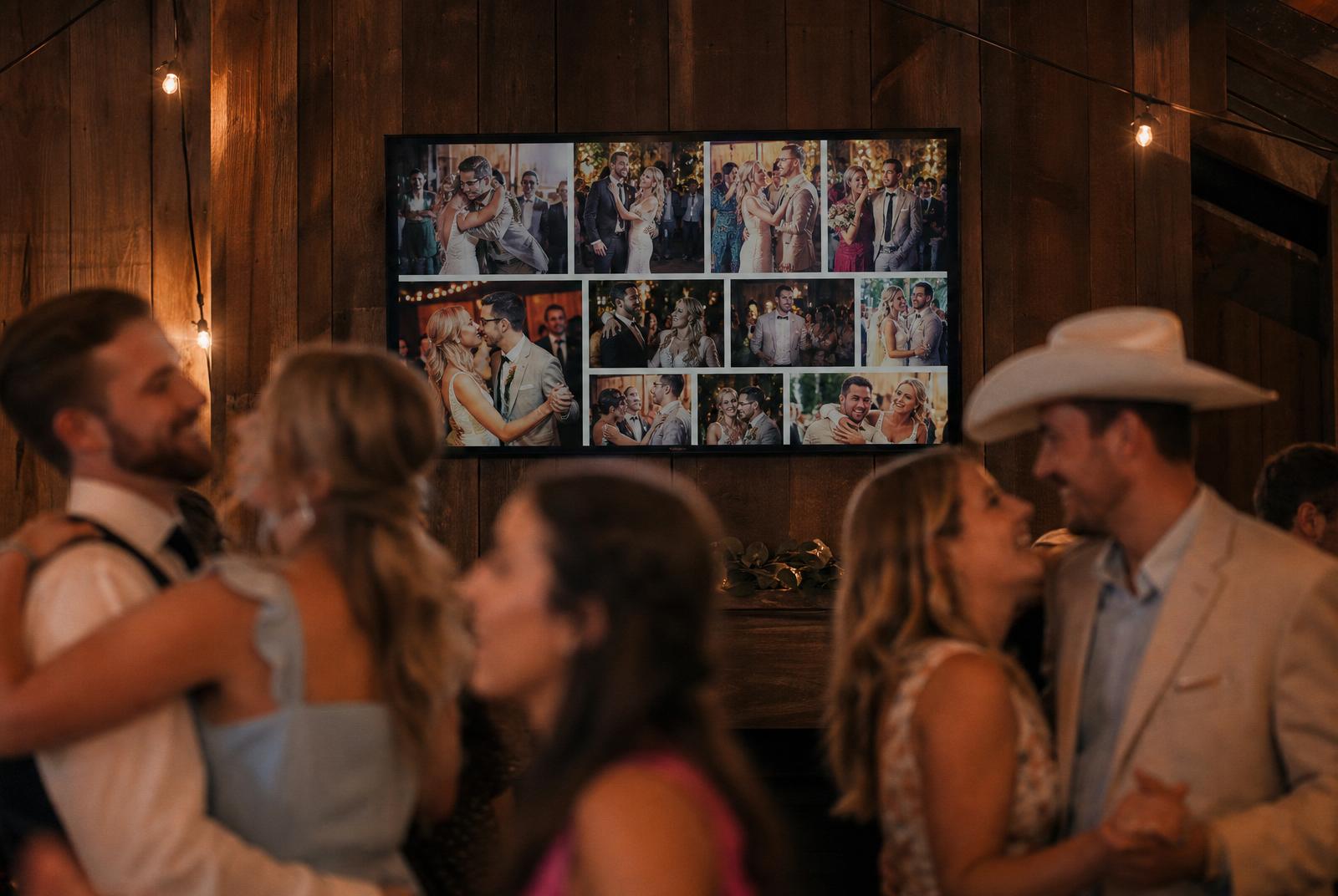

Why a slideshow during your wedding reception?
A live slideshow on a big screen changes the energy at your wedding. Guests see their own photos within seconds after uploading, and it becomes contagious: everyone starts shooting more. It's the cheapest entertainment upgrade for your wedding and it keeps the quiet hour between dinner and dance floor alive.
Set up your wedding slideshow in 5 steps
- 1
Create your event in Partylio
Pick a theme that fits your wedding. The slideshow inherits your style and colors automatically.
- 2
Print QR codes for the tables
Spread them across every table so guests know where to upload photos.
- 3
Connect a laptop or Chromecast
Open the slideshow URL in a browser on a TV, projector or tablet. Works on any screen with HDMI.
- 4
Start the slideshow
New photos appear automatically. Average interval: 5-8 seconds per photo.
- 5
Optional: let the DJ steer
During big moments the DJ can replay the last 10 photos. Perfect after the first dance or toasts.
Where do you place the slideshow screen?
Visible and at eye level works best. Six proven spots:
Next to the bar
Guests watch while ordering a drink. Highest viewer volume.
Beside the dance floor
Photos mix with the dance energy. Guests pause to spot themselves.
Above the buffet
Everyone walks past. Perfect spot for ceremony highlights.
In the lounge area
Quieter place for guests taking a break, browsing photos calmly.
At the entrance
Arriving guests immediately see the vibe and start uploading themselves.
By the outdoor smoking area
A smaller tablet works well here. Guests chat and glance at earlier moments.
Everything is in your account
When you create an event in Partylio you automatically get a unique slideshow URL and downloadable QR code posters in every style. Just connect and start.