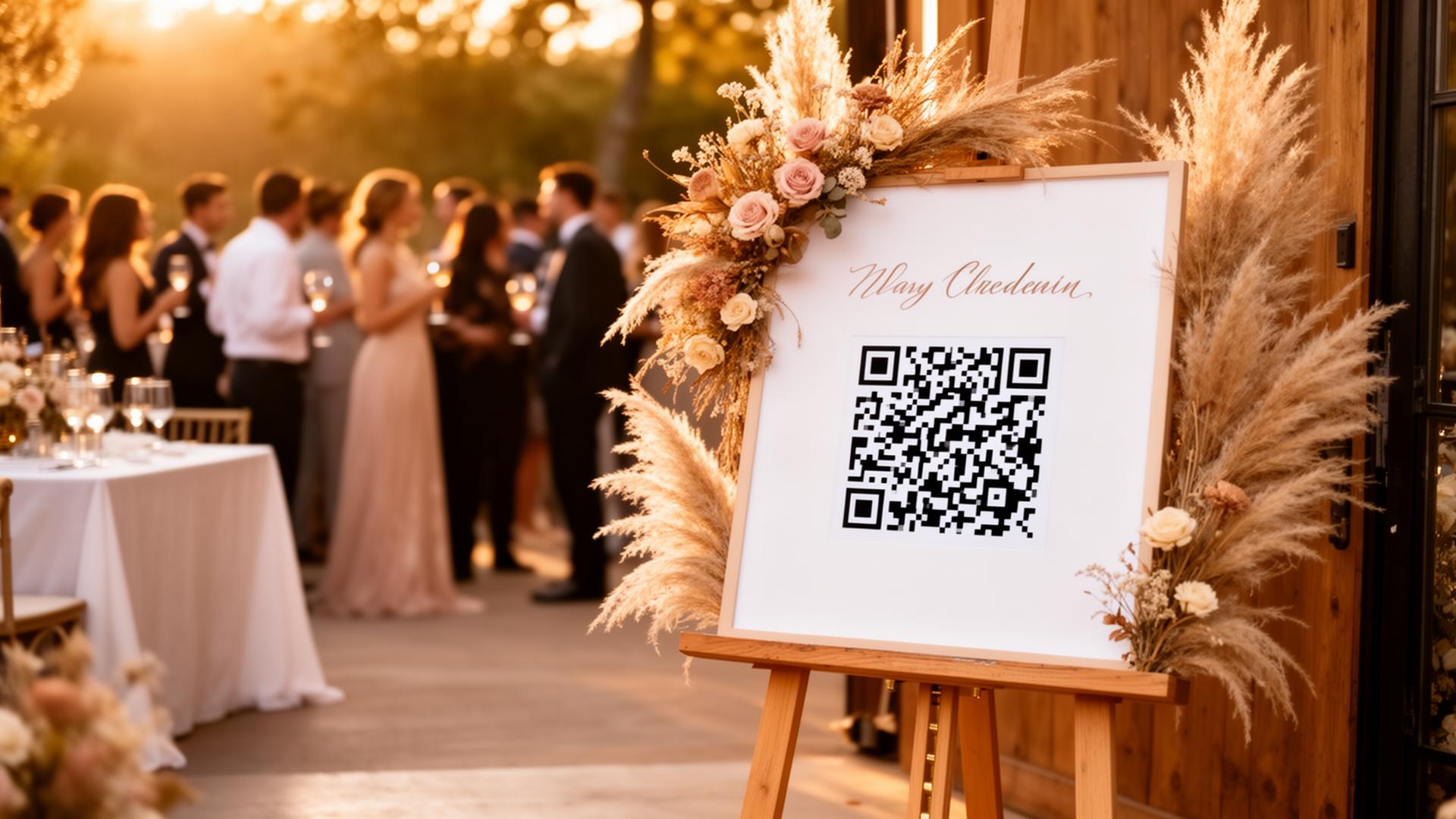
QR codes are everywhere now. Restaurants use them for menus, museums for extra information, and at weddings they've become completely normal. But most couples limit themselves to one use. In doing so they miss a lot of opportunities. Here are ten original ways to use QR codes on your big day.
1. Photo and video upload for guests
The most popular application. Guests scan a QR code and upload photos and videos directly via their browser, no app needed. Platforms like Partylio bundle everything in one feed and let you download it afterwards as a ZIP, supplemented by a PDF of all text messages.
2. Digital menu card
No more printed menu cards per guest. One QR code on the table links to the dinner or reception menu. Cheaper, easier to update if there are last-minute changes, and less waste.
3. Table seating
No more big board at the entrance with all the names. A QR code links to a simple webpage where guests type their name and immediately see their table assignment.
4. Shared Spotify playlist
Let guests add songs to a shared playlist for the reception or dance evening. A QR code links directly to the Spotify playlist. Democratic and always an icebreaker.
5. Livestream for those who can't attend
Grandpa who can't travel, friends abroad, a QR code linking to the livestream lets them enjoy it too. Send the code in the invitation or put it on the ceremony accessories.
6. Your love story or wedding website
Many couples create their own wedding website with their story, the day's schedule, logistical information and accommodation tips. A QR code on the invitation links to it.
7. Digital guestbook with wishes
Not just photos, guests can also leave a personal message. Partylio offers this as a built-in option: guests upload photos and write a wish, which you can later download as a PDF.
8. Programme booklet
The day's programme digitally: order of the ceremony, names of speakers, timeline of the reception. Handy if there are last-minute changes, you update the page and the QR code always points to the right version.
9. Thank-you card after the wedding
After the wedding you send a thank-you card. Add a QR code linking to a selection of your wedding photos, a beautiful gesture for your guests.
10. Surprise element
Hide a QR code somewhere unexpected, the bottom of a dessert plate, on the back of your bouquet or inside a menu. The code links to a personal video message or an inside joke for whoever finds it.
Practical tips
- Use a separate QR code for each application so you can track who scans what
- Test the codes on multiple smartphones before the wedding
- Ensure sufficient contrast: dark code on a light background
- Give the code a call-to-action: 'Scan to upload photos' or 'Scan for the menu'
- Keep the original links, QR codes don't expire, but URLs can change
Read also: free QR table card template and when to share which QR code on the day.
For photo and video upload we recommend Partylio: you get a beautiful feed, a direct download and a PDF with guestbook messages. Create a free event and discover how it works.

Try Partylio for free
Create an event, generate your QR code and receive photos from all your guests. No app required.